
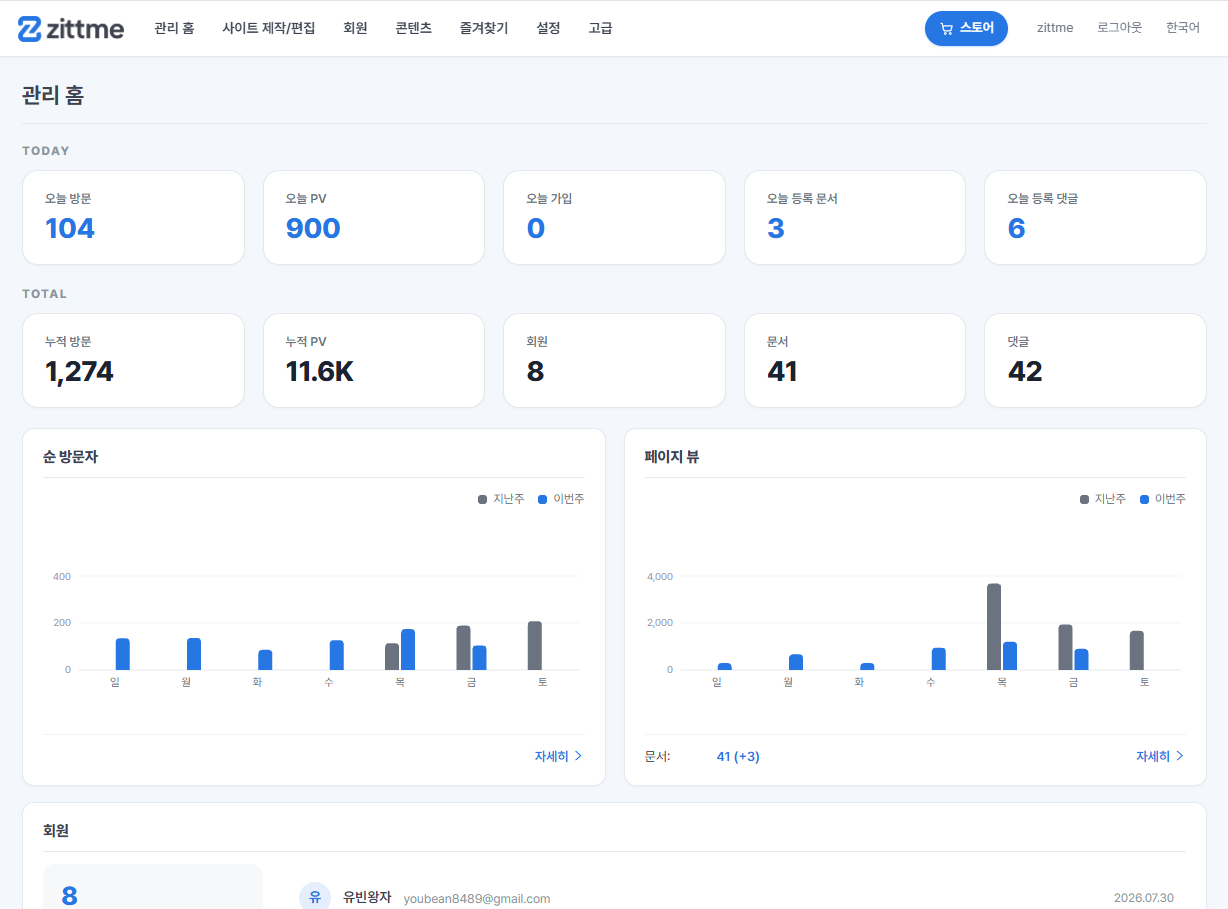
03The layout in screens
Real screens from the demo.

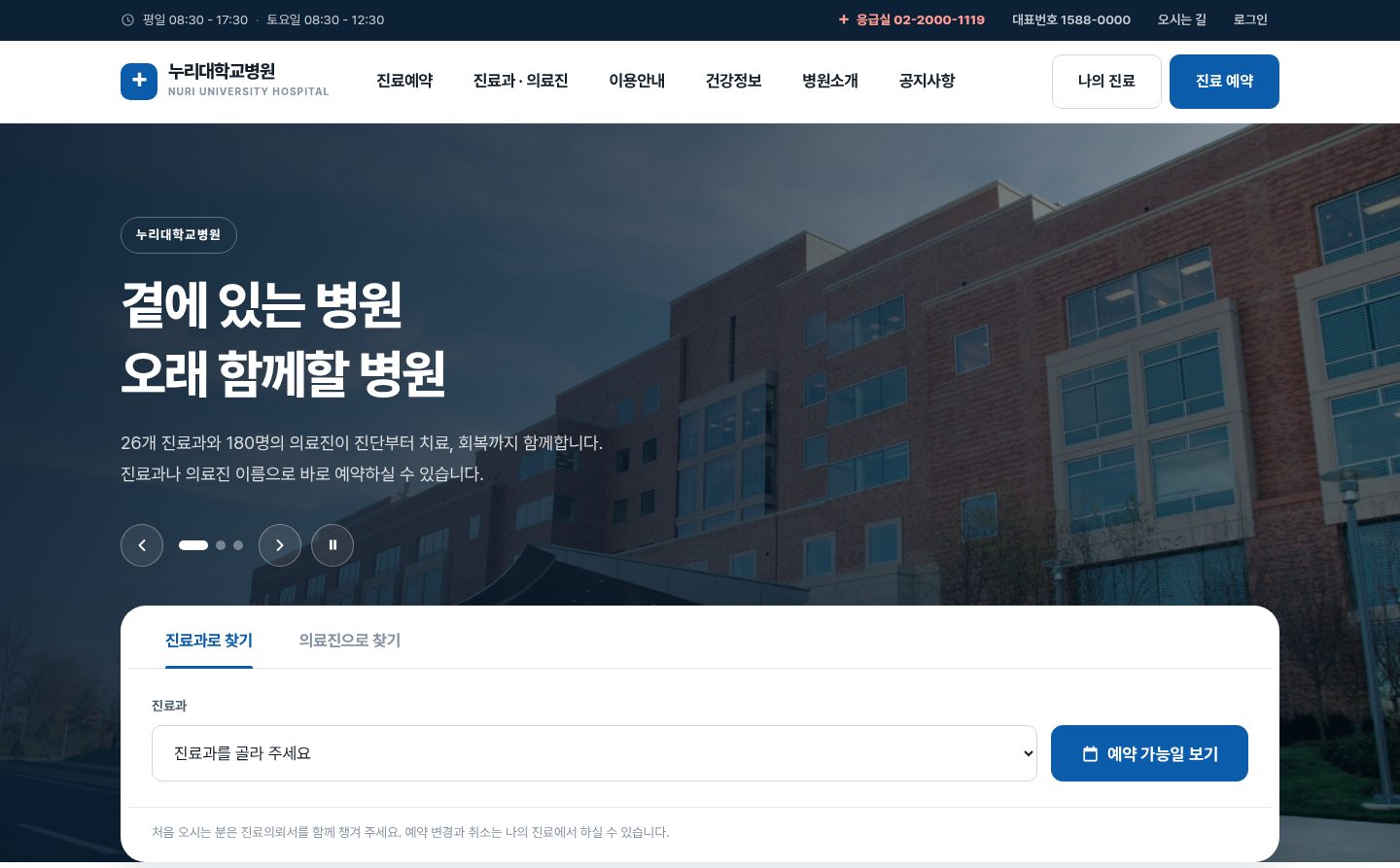
Home: photo slides and article cards
Post to the newsroom and the home page changes. The latest photo becomes the cover, followed by featured articles, stories, recent news, services, key figures and a contact prompt. Order and counts are set in settings.
- Header is transparent over the cover and turns white on scroll
- Second-level menus appear automatically in dropdowns and sub-page tabs
- 12 section types assembled with repeat fields
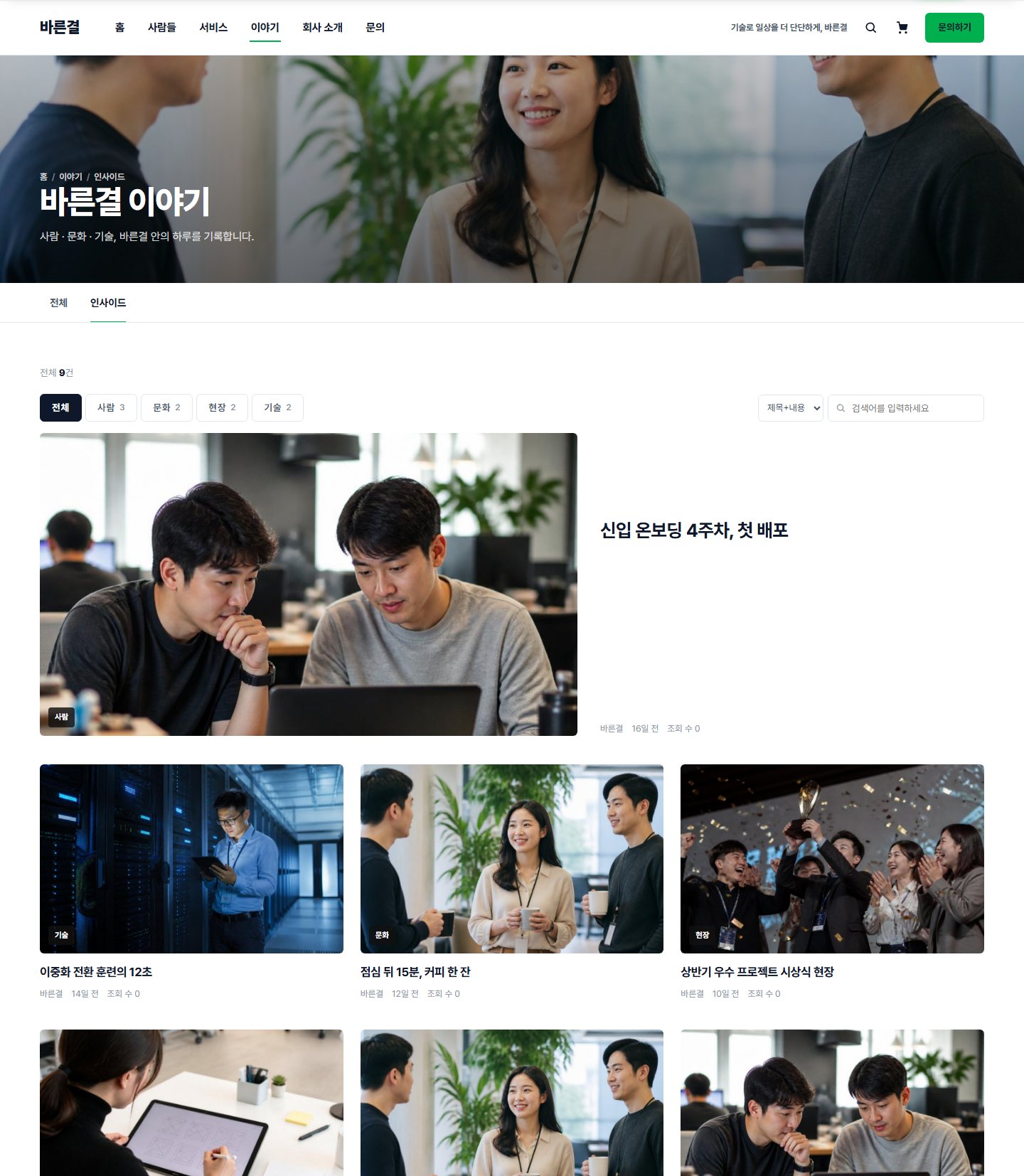
A gallery board with big photos
A large gallery style suited to company stories and field photos. The first post is large, then 3 columns. Categories sit on the photo as chips. Webzine, list and FAQ styles are chosen in the same board settings.
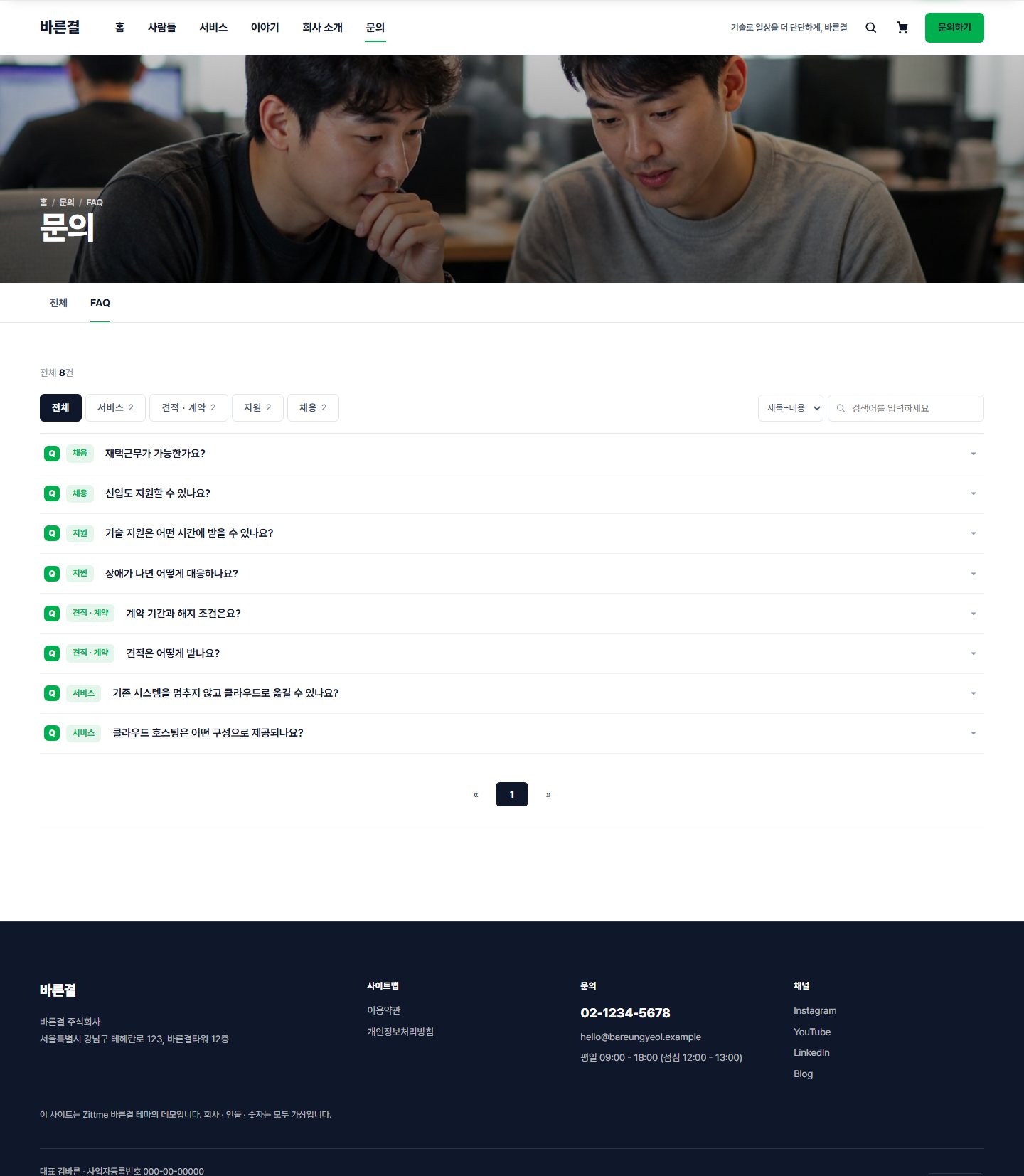
Contact and FAQ
Pick an inquiry type and send; it goes to the staff email and is answered in the admin screen. FAQ uses category tabs and an accordion. Write and edit buttons show only to people with permission.